Add & check your payment data
Upload Excel or CSV, or paste from your spreadsheet — we’ll check your data.
Turn your payment spreadsheet into a validated ABA file for Australian banks — ready to upload to your bank.
Drop a CSV or Excel file here, or paste rows directly from your spreadsheet.
CSV · Excel (.xlsx) · Paste from Excel, Google Sheets or Apple NumbersAdd your payment data, check the details and download your ABA file.
Upload Excel or CSV, or paste from your spreadsheet — we’ll check your data.
Match your spreadsheet columns to the required ABA payment fields.
Choose your bank and enter the details required for your ABA file.
Review the payment summary and download your bank-ready ABA file.
Download the ABAFlow Payment Template (.xlsx) — works with Excel, Google Sheets and Apple Numbers.
Reuse your banking settings, review payment counts and totals, and keep track of the files you create.
Advanced banking profiles for Australian banks and banking services, including CommBiz, ANZ Transactive Global, NAB Connect and Westpac Corporate Online.
Read payment records, check file totals and structural issues, or export to Excel.
Compare ABA files with each other or with payment worksheets to spot differences and duplicate payments.
ABAFlow converts your payment data into bank-ready ABA files for regular or one-off business payment runs.
Convert salary and wage data from your spreadsheet or payroll system into a bank-ready ABA file.
Read the guidePrepare the banking component of a compatible super contribution workflow alongside the required SuperStream process.
Read the guideCreate one ABA file to pay multiple suppliers, contractors and service providers.
Read the guideCreate ABA files for reimbursements, refunds, distributions and other bulk payment runs.
Read the guidePractical guidance for preparing payment data for Excel or CSV upload or direct paste, and understanding the ABA format used by Australian banks.
Prepare payment data in Excel, Google Sheets or Apple Numbers for upload or paste.
Prepare your payment data →02Upload Excel or CSV, or paste payment data. Validate and review your payments before downloading.
View the step-by-step guides →03Learn what an ABA file is, how its records are structured and what banks expect.
Learn the format →04Review the complete field-by-field ABA file specification and record definitions.
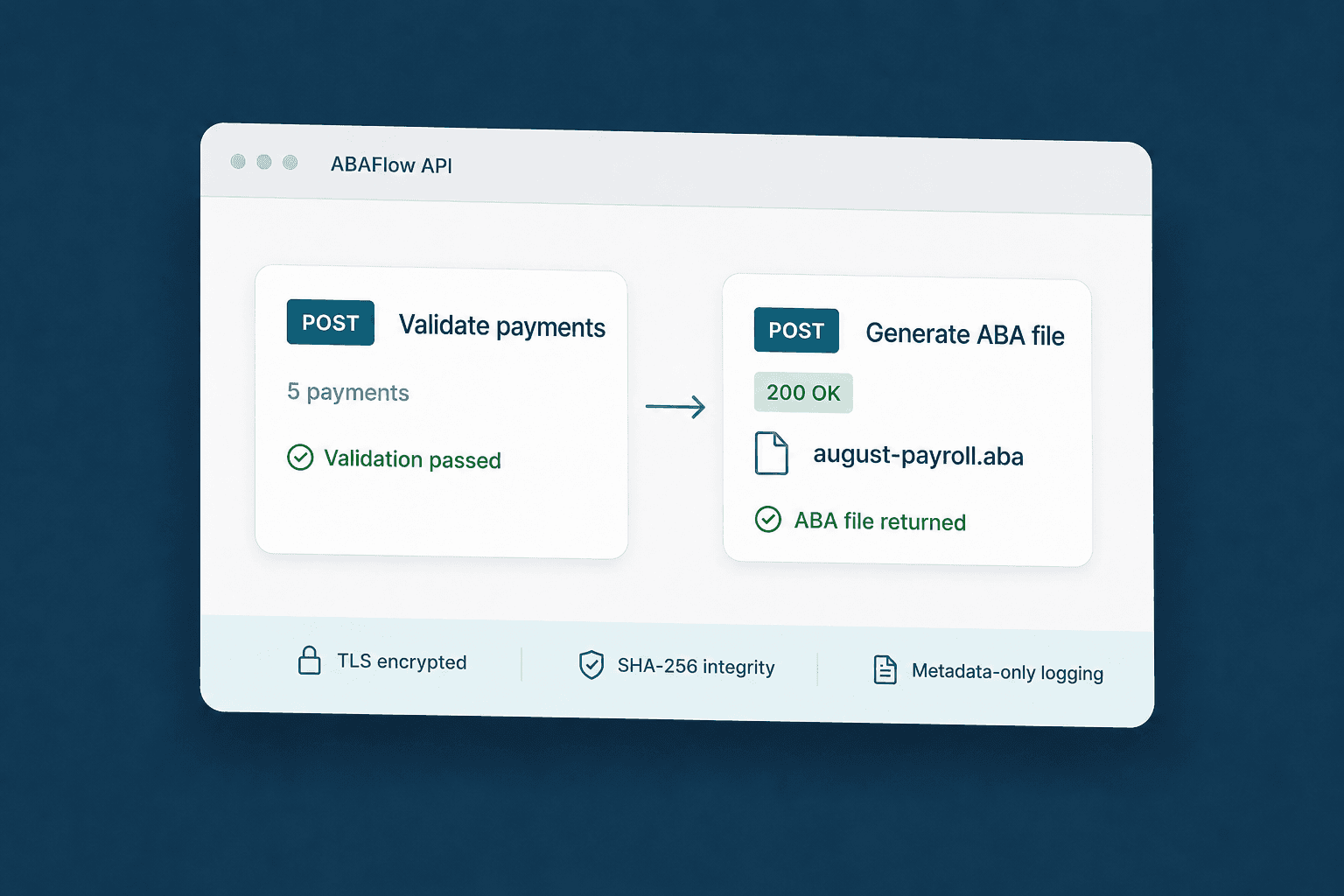
View the specification →Send payment data from your payroll, finance or platform workflow. ABAFlow validates each payload, generates the ABA file and returns it securely through our REST API.
View API pricing
Practical guidance for preparing payment data,for Excel or CSV upload or direct paste, and understanding the ABA format used by Australian banks.
Prepare payment data in Excel, Google Sheets or Apple Numbers for upload and paste.
Prepare your payment data →02Upload Excel or CSV, or paste payment data. Validate and review your payments before downloading.
View the step-by-step guides →03Learn what an ABA file is, how its records are structured and what banks expect.
Learn the format →04Review the complete field-by-field ABA file specification and record definitions.
View the specification →Upload a CSV in the browser or send a structured payload through the API.
BSBs, account details, amounts and descriptions are checked before generation.
Blocking errors stop the process. ABAFlow never silently drops an invalid payment.
ABAFlow is designed for Australian payment workflows and powered by Google Cloud infrastructure in Sydney. Payment data is encrypted in transit, processed securely and uploaded payment files are not retained.
No card required. No subscription.